A free presentation maker with AI that does the heavy lifting. Prompt a deck in seconds, upload your own, or start from a template.

How it works
From design to delivery
Every stage of a deck, from first slide to follow-up.

Try the agentic presentation maker
Enter a prompt and get a first draft in seconds, in a template you can fully edit.
AI that looks like your brand
Pitch Agent builds from your templates so slides look like your brand, not generic layouts in your colors. Every deck stays fully editable.


Stay in control of your output
Pitch is a real design tool, not just a prompt box. Change layouts, swap images, and fine-tune every detail by hand.
Pitch MCP & API
Plug Pitch into your stack
Decks from Claude or ChatGPT
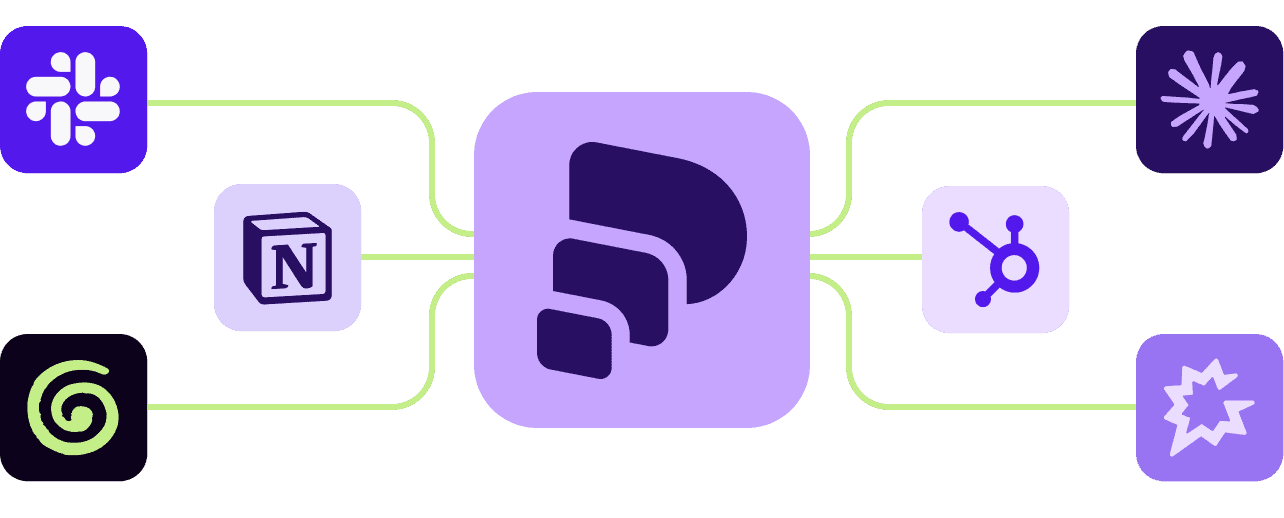
Connect Pitch MCP once, with no code, on any plan. Turn your call notes or CRM records into one deck or many, and get a tracked share link back in the chat.

Toolkit
A complete presentation toolkit
Everything winning teams need to create and deliver great slides together, from design fundamentals to AI-powered workflows.
Pitch Agent
Generate on-brand slides, new layouts, and follow-up emails from a prompt or your own files.

Slide editor
Retain complete design control with reusable styles, custom fonts, charts, and PowerPoint import and export.

Viewer analytics
Know when to follow up, with visitor data on everyone who opens your decks and pitch rooms.

MCP and API
Connect to Pitch via MCP or API to push data from your stack into Pitch, and create personalized slides.
Brand library
Keep custom fonts, templates, and approved brand media in one shared library, for your team and Agent to draw from.

Team organization
Collaborate in the cloud, organize decks in teamspaces, and see everything your team has created or shared.

Pitch rooms
Share decks and resources in a tailored deal room for a truly personal client experience.


FAQ
Presentation maker FAQs
What is the best presentation maker?
The best presentation maker gets you to a finished, on-brand deck fastest and keeps working after you hit send. Pitch is built for that. Pitch Agent generates fully editable decks from your own templates. The editor gives you complete design control, your team can co-edit in real time, and engagement analytics show who opened your deck and which slides they read.
Is there a free presentation maker?
Yes. Pitch’s Free plan lets you create unlimited presentations. Pitch Agent is available on every plan, including Free, which comes with a one-time allocation of AI credits. No credit card is required to sign up. When your team needs more features or AI credits, the paid plans (Plus, Team, Business, and Enterprise) unlock them. See pitch.com/pricing for the current breakdown.
How do I create a presentation online?
Start your deck. Describe what you want to Pitch Agent and attach files for context, pick one of 150+ professionally designed templates, import a PowerPoint file, or start blank.
Add and edit slides. Ask Agent to rewrite text, split dense slides, or merge slides into a summary. Fine-tune fonts, images, animations, and video in the editor. Browse over 100 slide layouts, including timelines, image grids, and diagrams.
Bring in your team. Invite teammates to co-edit, comment, and assign slides, and collaborate in the cloud.
Present or share. Present with speaker view, or share a live link with a passcode or email capture to track engagement. Export to PowerPoint or PDF anytime.
Can a presentation generator make my whole deck?
Yes. Pitch Agent creates full presentations, multi-slide sections, or single slides from a short prompt, a detailed outline, or attached files (PDF, Markdown, CSV, or plain text). While generic generators drop your colors onto stock layouts, Agent builds from your real templates instead, and it generates images that match your template’s art direction. Everything stays fully editable, so you can simply refine the deck instead of re-prompting. For more on AI creation, see our AI presentation maker.
Can I make PowerPoint presentations with Pitch?
Yes. Import PPTX files to bring existing decks into Pitch, and export any Pitch presentation to PowerPoint (PPTX) or PDF. Google Slides and Keynote users can export to PPTX first, then import. That way you can create and collaborate in Pitch and still send a PowerPoint file to anyone who needs one.
Do I need design skills to make a presentation?
No. Templates designed by experts give you a polished starting point. Pitch Agent builds new slides from those templates, or your own input, with images that match the art direction. Reusable styles, custom fonts, and a shared brand library keep everything consistent, so anyone on your team can make a deck that looks like your best designer made it.
Why use an online presentation builder?
An online presentation builder keeps every deck in the cloud, so your team works on one live version instead of emailing files back and forth. In Pitch, teammates co-edit in real time and decks are organized in shared teamspaces. Live links always show the latest version, so you can fix a typo even after you hit send.
Can I connect Pitch to Claude or ChatGPT?
Yes. Pitch MCP connects your Pitch workspace to AI tools like Claude and ChatGPT once, via OAuth, with no code, on every plan. From the conversation, you can create decks from context your assistant already has (like call notes or CRM records), browse templates, create shareable links, and pull in engagement analytics. Some features, like share links with analytics, are available on higher plans. For automated workflows, Pitch API connects deck creation to Zapier, Make, n8n, HubSpot, and Attio. The API is available on Business and Enterprise plans. Learn more at pitch.com/mcp.
Does Pitch have presentation templates?
Yes. Pitch has 150+ templates designed by experts — for pitch decks, sales proposals, marketing plans, and more. Customize any of them with your fonts and colors, design your own templates in the editor, or generate a branded template from your website in seconds. Pitch Agent can then build new slides from any template. Browse them all at pitch.com/templates.