Keep Canva for social posts and graphics. Pitch is where your team builds, shares, and tracks on-brand presentations that win deals.



Why teams switch
Built for presenting, not a design tool with slides
Canva is a great all-purpose design tool. Pitch is purpose-built for presentations, so every feature serves the deck, from the first prompt to the signed deal.


Pitch vs Canva
How Pitch compares to Canva
Canva broadly covers every visual format. Pitch goes deeper on the one that wins business: the deck, and everything that happens after you send it.


Beyond the design
Pitch keeps working after you hit send
Canva’s job ends when the design is done. Pitch gives sales and client teams digital deal rooms, personalization, and engagement data to move things forward.
Curate your pitch in bespoke client rooms
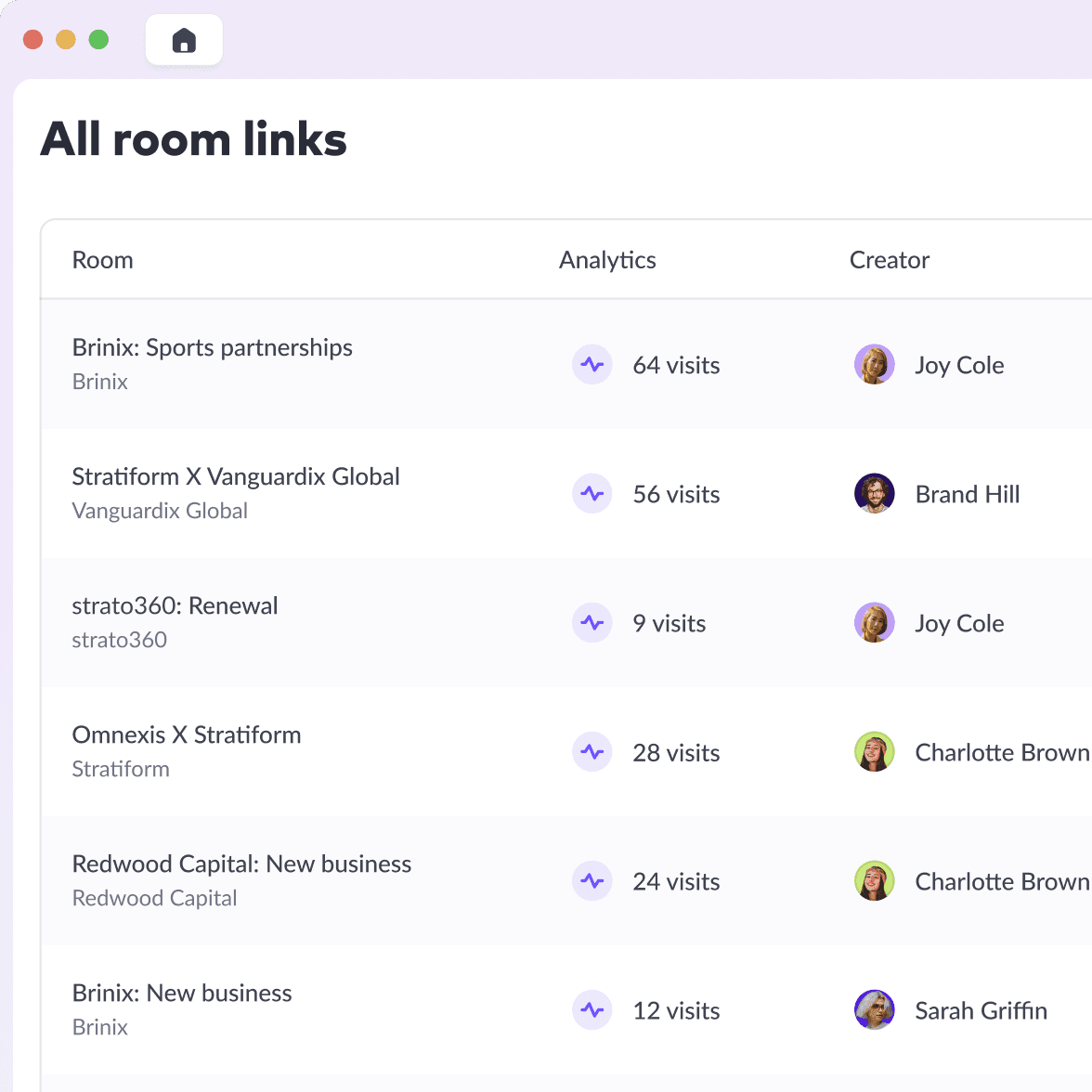
Go beyond the static PDF. Pitch rooms let you create branded, personalized spaces where clients find everything they need — like decks, resources, and context — all in one place.

















Start with a prompt
Enter your deck idea and generate a sleek presentation in seconds.
FAQs
Thinking of switching from Canva?
Is Pitch free to use?
Yes. Pitch’s Free plan includes unlimited presentations, custom templates, and 100 AI credits to try Pitch Agent. Paid plans add custom fonts, video uploads, advanced links, pitch rooms, and more.
Can I bring my Canva presentations into Pitch?
Yes. Download your Canva presentation as a PowerPoint (.pptx) file, then import it into Pitch and keep editing. You can export from Pitch to PDF anytime, and to PowerPoint on paid plans.
Should I stop using Canva?
Not necessarily. Many teams keep Canva for social posts, ads, and print, and use Pitch for the presentations they share with clients, investors, and their own team.
How is Pitch Agent different from Canva’s AI?
Both generate editable designs from a prompt. Pitch Agent is built for decks: it creates new slides and layouts from your team’s templates, edits through chat, answers questions about your deck, and drafts follow-ups.
How do we keep every deck on brand?
Set up templates, styles, fonts, and assets once, or generate a branded template from your website. Pitch Agent and every teammate then build from the same brand standard.
Can I see who viewed my deck?
Yes. Advanced links show visits, slide views, and time spent on each slide, and pitch rooms add engagement analytics across everything you share with a client.
Is Pitch secure?
Yes. People only see the teamspaces they have access to, and every Pitch MCP and API request is authenticated and checked against those same permissions. Admins can see and revoke every key and connected app. Learn more on our security page.